

RustDesk
RustDesk is a full-featured open-source remote desktop solution for self-hosting. With your own server, you have full control over your connections – without dependency on third-party providers. The software supports Windows, macOS, Linux, iOS, Android and Web.
Trusted by leading companies












About RustDesk
RustDesk is a full-featured open-source remote desktop solution for self-hosting. With your own server, you have full control over your connections – without dependency on third-party providers. The software supports Windows, macOS, Linux, iOS, Android and Web.
As an experienced RustDesk integrator, we handle installation, configuration and operation of your self-hosted RustDesk server – on our infrastructure or on-premise at your location.
Why RustDesk with WZ-IT?
We install and operate your RustDesk server (hbbs + hbbr) on secure infrastructure in Germany or at your preferred location. Including firewall configuration, TLS setup and client deployment support.
With 24/7 monitoring, regular updates and professional support, we ensure reliable remote access to your devices – without TeamViewer, AnyDesk or other cloud dependencies.

Self-Hosted Server
Your own ID and relay server (hbbs/hbbr) for full control over connections and data flows.

End-to-End Encryption
P2P connections with NaCl-based end-to-end encryption for maximum security.

Cross-Platform
Clients for Windows, macOS, Linux, iOS, Android and Web – all devices in one solution.

Modern Codecs
Support for VP8/VP9/AV1 (software) and H264/H265 (hardware) for optimal performance.

No Admin Rights Required
On Windows, no installation or admin rights required – privilege elevation on demand.

Easy to Use
Clear interface for quick remote connections without complicated configuration.
RustDesk Installation & Einrichtung
Professional installation on your infrastructure – on-premise, cloud or hybrid
On-Premise
In your data center
- Installation on bare-metal, VM or Docker
- Optimal performance configuration
- Integration with existing Active Directory/LDAP
- SSL certificate & reverse proxy
- Backup strategy & monitoring
- Security hardening following best practices
- Documentation & training
Cloud Installation
AWS, Azure, Hetzner & more
- Installation on AWS, Azure, GCP, Hetzner
- Terraform/IaC setup (optional)
- Kubernetes or Docker Compose
- Auto-scaling configuration
- Load balancer & CDN integration
- CloudWatch/monitoring setup
- Cost optimization & best practices
Enterprise Setup
High-availability setup with comprehensive security and compliance features
- High-availability cluster setup
- VPN access (e.g. WireGuard, NetBird, Tailscale)
- SSO integration (e.g. Keycloak, Authentik, Azure AD)
- Multi-factor authentication (MFA)
- Audit logging & compliance
- Disaster recovery plan
- Custom security policies
- Dedicated contact person
Perfekt für diese Anwendungsfälle
IT Support & Helpdesk
Fast remote support for employees and customers without complicated VPN setups
Home Office & Remote Work
Secure access to office PCs from home with end-to-end encryption
TeamViewer Alternative
Open-source solution with your own server for full data control and GDPR compliance
Server Administration
Remote access to Windows, Linux and macOS servers with cross-platform support
Managed Service Provider
Scalable remote desktop solution for IT service providers with custom branding
Training & Presentations
Screen sharing and remote control for interactive trainings and demos
Security & Secure Access
Secure access and access control for your installation
VPN Access
WireGuard, NetBird or Tailscale
SSO Integration
Keycloak, Authentik, Azure AD
Multi-Factor Auth
TOTP, WebAuthn, YubiKey
Firewall & Hardening
Fail2Ban, Rate Limiting, IP Whitelisting
Secure Access via VPN
We set up secure VPN access to your installation – ideal for remote work and external employees.
- Zero-Trust Network Access (ZTNA)
- Encrypted connections
- Easy client setup for all devices
- Centralized access management
Supported VPN Solutions:
What's Included in the Service
Full-service installation with no hidden costs
RustDesk Development & Integration
RustDesk offers TeamViewer alternative with own server. We integrate it into your IT service management processes.
Server REST API
The server API enables device management: Register clients, assign groups, control access rights – all automatable.
Connection Webhooks
A webhook can be triggered on every connection: Audit log, ticket creation, approval workflow.
Custom Client
As open source project, the client can be customized: Own branding, preconfigured servers, additional security features.
Concrete Use Cases
How we implement RustDesk development in practice.
Helpdesk Ticket Integration
Support staff must manually document which computers they accessed. Compliance risk.
Automatic linking: RustDesk session logged with ticket ID. Connection log appears in ticket.
CMDB Asset Sync
CMDB doesn't contain all devices because registration is manual. RustDesk knows all clients.
Sync service automatically transferring RustDesk clients to CMDB – incl. OS, version, last contact.
Secure Unattended Access
Maintenance at night requires access without user confirmation, but standard access is too open.
Time-window-based unattended access with hardware token authentication and automatic session recording.
Enterprise Managed Hosting
Enterprise Grade
Open source enterprise-ready for productive workloads - we run your applications with highest security standards and enterprise support
Why Enterprise Managed Hosting?
Open source software for business-critical processes requires professional maintenance, continuous updates, and enterprise-grade support. With our RustDesk Enterprise Managed Hosting, you get the necessary infrastructure and support to reliably operate open source in production environments. Backups, SLAs, telephone support, and personal contact - so you can focus on your core business.
Installation on Your Infrastructure
Looking for a custom solution?
We also offer customized RustDesk Enterprise solutions for your specific requirements. Contact us for an individual quote.
RustDesk Use Cases
IT Support & Helpdesk
Remote support for employees and customers without cloud dependency. All connections run through your own server – ideal for companies with data protection requirements.
And much more
The perfect solution for your individual requirements
Interested in RustDesk?
Good choice – we'll help you get started or with operations.
Manage Your Stack in the Customer Portal
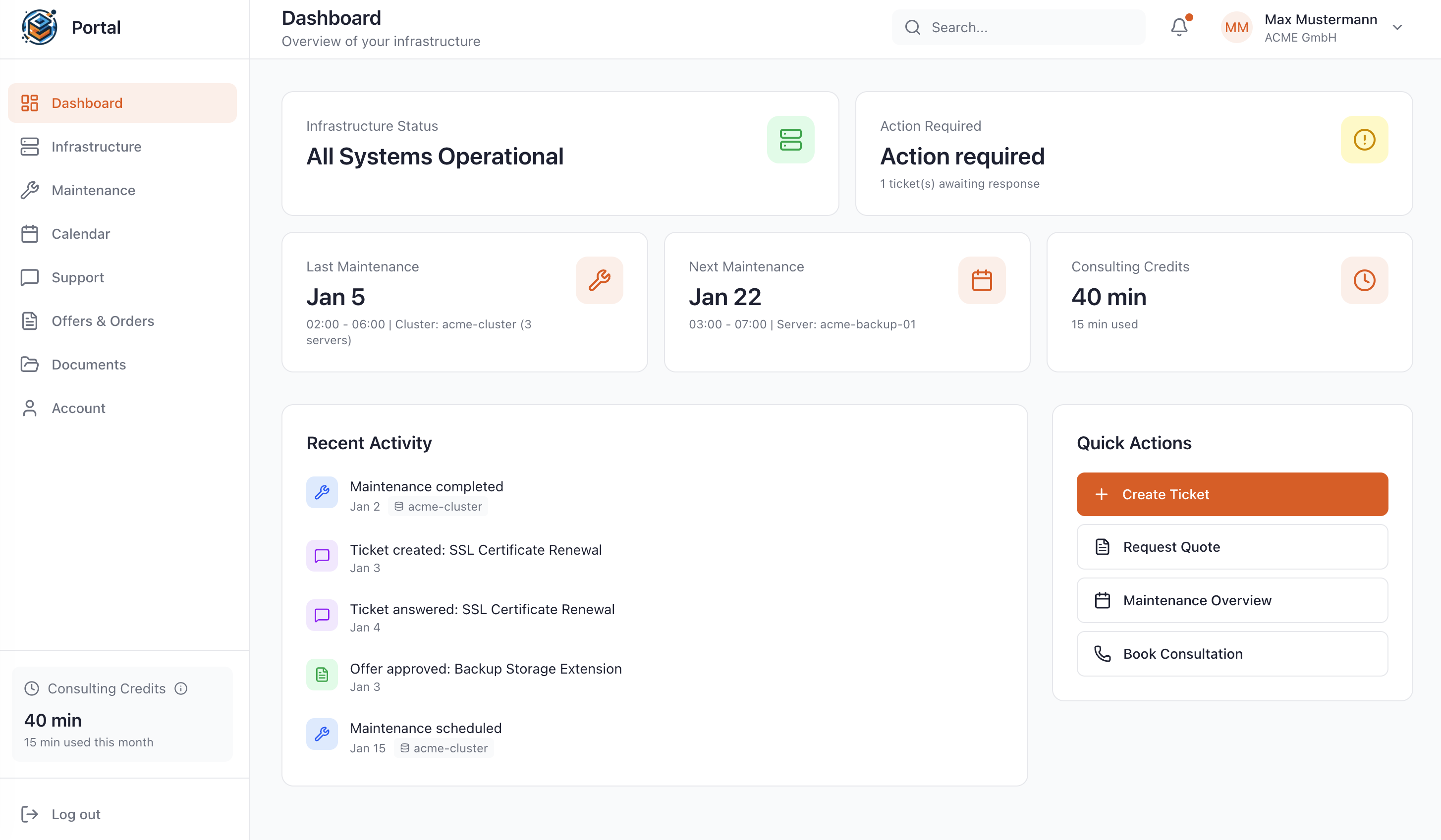
As a Managed Service customer at WZ-IT, you have access to our exclusive portal: Monitor your infrastructure in real-time, schedule maintenance, request quotes, and get direct support – all in one central location.
- Real-time infrastructure status
- Reschedule maintenance windows yourself
- View complete access logs
- Direct support without detours
RustDesk Self-Hosted FAQ
Answers to the most important questions
Topics
General
RustDesk is a remote desktop and remote support solution that allows you to remotely maintain devices over the internet or LAN – including your own server option (self-hosted).
Self-hosting gives you control over connection setup/relay, infrastructure location and operational processes (firewall, updates, monitoring). This is particularly interesting for companies with data protection, latency or control requirements.
Typically two server services: hbbs = ID/rendezvous server (clients find each other through it) and hbbr = relay server (if no direct P2P connection is possible).
Installation & Configuration
In the client under Menu → Network, enter the ID Server (hbbs host/IP); the Relay Server refers to hbbr (typically port 21117).
For encrypted connections, clients need to know your server's public key. The key is generated on first start and is usually located as id_ed25519.pub in the working/data directory.
Yes. The RustDesk documentation describes several ways: manually, via import/export of server configuration, and automated deployment via scripts/config string.
The API server is only relevant for RustDesk Pro (e.g., web console/login). For classic open-source self-hosted setups, many teams leave it empty.
Network & Ports
The official documentation mentions TCP 21115-21119 and UDP 21116 (depending on use/setup). Also plan DNS/domain/reverse proxy according to your environment.
Both work. For productive setups, a domain is practical (clients, certificates, failover scenarios). In LAN/closed network environments, a fixed IP can also make sense.
Yes – but there's a common issue: NAT loopback. If server and clients are on the same LAN, they either need to use the local server IP or enable NAT loopback on the network.
This is a classic NAT loopback problem. The documentation mentions three solutions: NAT loopback on router, local DNS (e.g., AdGuard/Pi-hole) or hosts file rules.
Not necessarily. RustDesk attempts direct connections depending on network situation; if that doesn't work (firewall/NAT), hbbr can step in as relay.
Yes – a reverse proxy for domain/certificates/ingress policies is common. It's important to correctly map port and protocol requirements (TCP/UDP).
Security & Operations
With self-hosting, you control the infrastructure components (hbbs/hbbr). You should also define in your operations concept what you log (e.g., connection logs) and for how long.
For small environments, a lean VM/instance is often sufficient; bandwidth/latency (especially for relay usage) and clean firewall rules are decisive.
Best practice: Define maintenance windows, test versions in staging first, have a rollback plan (snapshots/VM backups), then deploy to production. With Docker: pin images instead of 'latest'.
Typical: minimal port openings, expose server only behind firewall/VPN (if possible), restrict admin access, enable logs/monitoring, regular updates & restore tests.
Scaling & Troubleshooting
Yes, depending on organizational structure: separate servers per location/tenant or a central server with clear policy. It's important to document data flows and responsibilities clearly.
The bottleneck is usually relay traffic (bandwidth/CPU), not the ID server. Scaling is done through better uplink capacity, separate relay servers, location proximity and clean network rules.
Most common: incorrectly opened ports/protocols (TCP vs. UDP), NAT loopback in LAN, missing key in client, and reverse proxy setups that don't correctly map UDP.
More questions? We are happy to help!
Industry-leading companies rely on us
What do our customers say?
Let's Talk About Your Idea
Whether a specific IT challenge or just an idea – we look forward to the exchange. In a brief conversation, we'll evaluate together if and how your project fits with WZ-IT.
Trusted by leading companies


Timo Wevelsiep & Robin Zins
CEOs of WZ-IT